Skip to content
site-logo

Janines Papierstudio

  • Shop
  • Projects
    • Project Life®
    • Day In The Life™
    • Week In The Life™
    • December Daily®
  • Fun Stuff
    • Freebies
    • Tutorials
  • Shop
  • Projects
    • Project Life®
    • Day In The Life™
    • Week In The Life™
    • December Daily®
  • Fun Stuff
    • Freebies
    • Tutorials

Tutorials

How To HYBRID In Photoshop | Part 4
Hybrid Scrapbooking ➤ 02/24/2022

How To HYBRID In Photoshop | Part 4

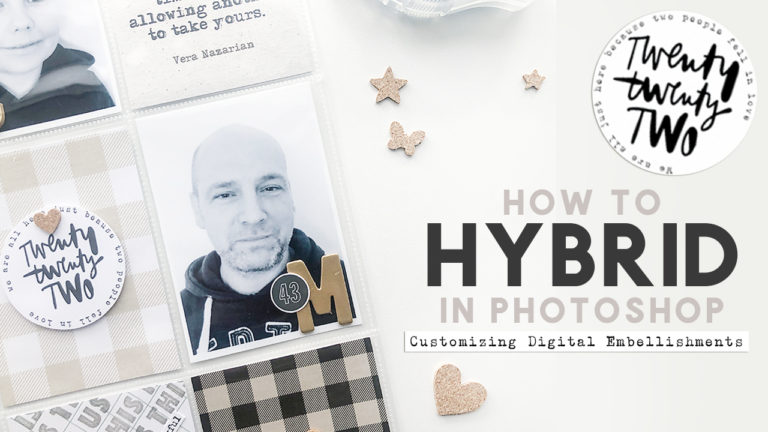
Working on the March Calendar Challenge required some playing around in Photoshop. I did not plan this tutorial but thought I’d share this with you as it is pretty cool. Today we are making our...

Read More
How To HYBRID In Photoshop | Part 3
Hybrid Scrapbooking ➤ 02/16/2022

How To HYBRID In Photoshop | Part 3

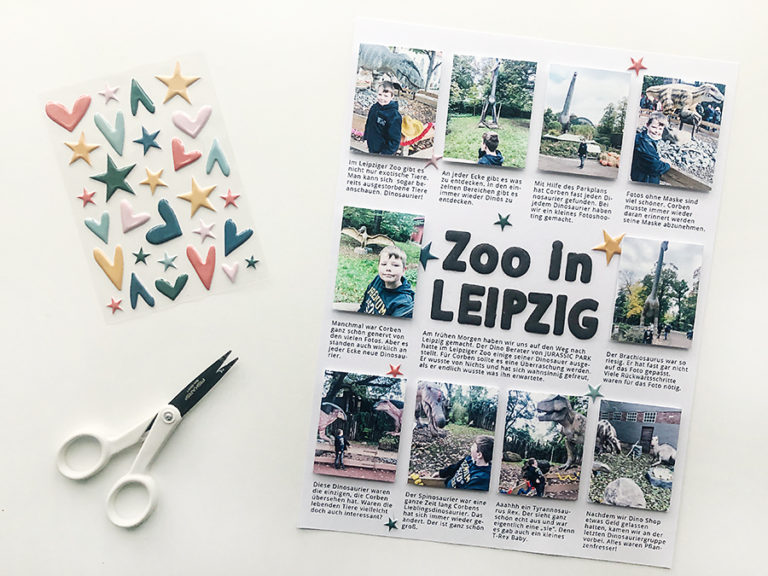
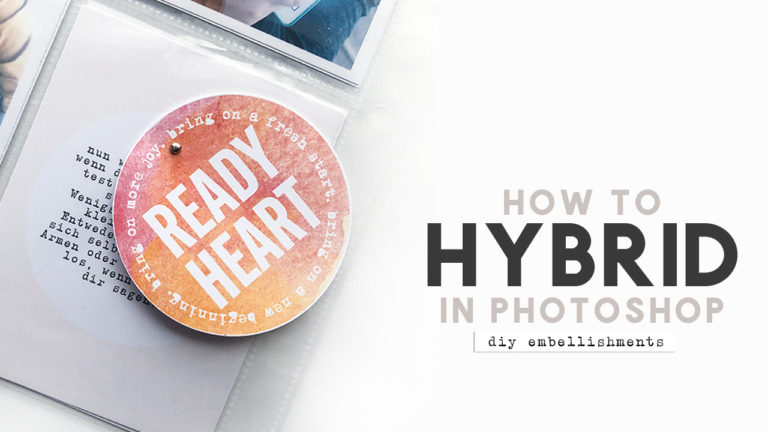
My Project Life® 2022 January pages are finished and I am so excited to share another tutorial from my new series HOW TO HYBRID IN PHOTOSHOP. Today we are going to make embellishments out of journal cards and...

Read More
How To HYBRID In Photoshop | Part 2
Hybrid Scrapbooking ➤ 02/14/2022

How To HYBRID In Photoshop | Part 2

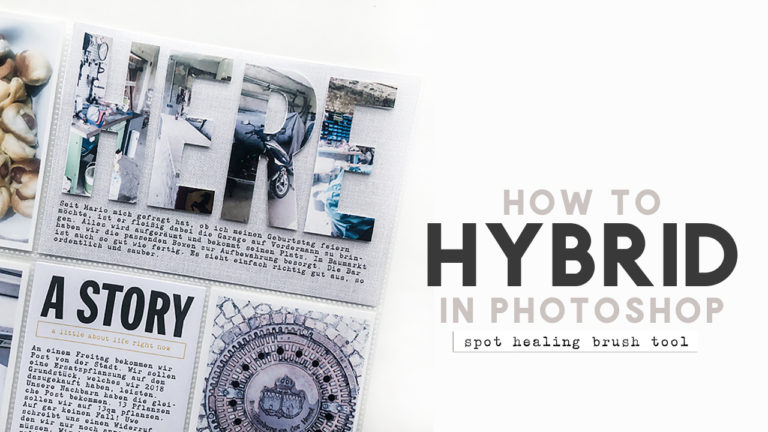
My Project Life® 2022 January pages are finished and I am so excited to share another tutorial from my new series HOW TO HYBRID IN PHOTOSHOP. Today we are going to work with the spot...

Read More
Tutorial | Templates Vol. 1
In My Pocket ➤ 02/08/2022

Tutorial | Templates Vol. 1

Last week I released my Templates Vol. 1 in addition to some other products. Today I want to share a tutorial with you on how you can use these templates to create fun digital and...

Read More
How To HYBRID In Photoshop | Part 1
Hybrid Scrapbooking ➤ 01/31/2022

How To HYBRID In Photoshop | Part 1

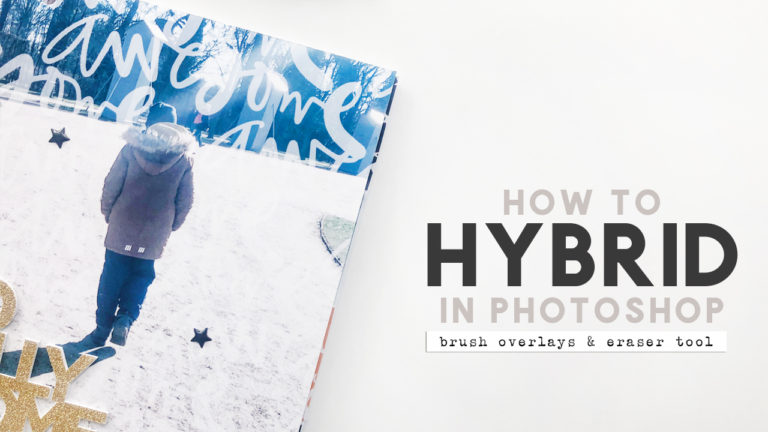
Welcome to my new series HOW TO HYBRID IN PHOTOSHOP. Since I am doing hybrid Project Life® in 2022, I thought I’d share some tutorials on how I do certain things in Photoshop and create...

Read More
Tutorial | Printing On Journal Cards Part 2
Tutorials ➤ 01/25/2022

Tutorial | Printing On Journal Cards Part 2

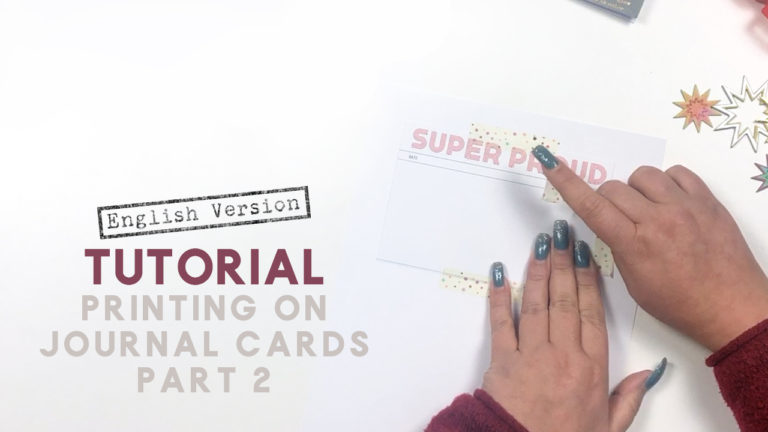
Do you have lots of paper products in all different kinds of shapes? In this short video tutorial I will show you how easy it is to use Photoshop to add text on any shape....

Read More

Posts navigation

Older posts
Newer posts
About Me

About Me

Janine Mattis, Owner

Hi and welcome! My name is Janine and this is my little place on the www. I am a paper crafter living in Germany. My favorite projects are Project Life® and card making. I am also a small business owner and sell my own products as well as my favorite products for paper crafters.

my shop

currently

support

Buy Me a Coffee

Want to support my blog and YouTube channel? Buy me a coffee here.  Your donations keep all my videos and tutorials free. Every cent is greatly appreciated and is used to cover expenses.

blog categories

  • (Mini) Albums
  • AECP
  • Cards
  • Challenges
  • Craft Hauls
  • Day In The Life™
  • December Daily®
  • Design Team
  • DLS Design
  • Eurpean Crafter's Club
  • Freebies
  • General Talk
  • Hybrid Scrapbooking
  • In My Pocket
  • Layouts
  • News
  • Project Life®
  • Shop
  • Simple Scrapper
  • Tutorials
  • Week In The Life™

disclaimer

On my blog I post links to products. Links to Amazon are affiliate links this means if you click on one of the links and purchase through this link, I will receive a small commission at no extra cost for you. This helps support my blog and YouTube channel and allows me to keep making videos. All other links are either links to my own shop or shops where I purchased the products myself. These are not affiliate links and I don’t make any money with them. Thank you for your support!

Latest Comments

  1. Janine on A Wonderful Creative Time – My AECP Final Workshop11/27/2026

    Angelique thank you so much for being such a great participant.

  2. Angelique Vuur on A Wonderful Creative Time – My AECP Final Workshop11/26/2026

    Your workshop was so great and you did really fabulous! your cards and the idea behind these cards was so…

  3. Erum Tasneem on AECP | All About Layering 501/19/2026

    LOVE!

  4. Erum Tasneem on AECP | All About Layering 701/19/2026

    So pretty!

  5. Erum Tasneem on AECP | Quick & Simple Cards For Everyday Crafting01/19/2026

    Absolutely stuuning!

  • Impressum
© 2026 | Papierstudio Shop
Janines Papierstudio
Einwilligung verwalten
Um dir ein optimales Erlebnis zu bieten, verwenden wir Technologien wie Cookies, um Geräteinformationen zu speichern und/oder darauf zuzugreifen. Wenn du diesen Technologien zustimmst, können wir Daten wie das Surfverhalten oder eindeutige IDs auf dieser Website verarbeiten. Wenn du deine Einwilligung nicht erteilst oder zurückziehst, können bestimmte Merkmale und Funktionen beeinträchtigt werden.
Funktional Always active
Die technische Speicherung oder der Zugang ist unbedingt erforderlich für den rechtmäßigen Zweck, die Nutzung eines bestimmten Dienstes zu ermöglichen, der vom Teilnehmer oder Nutzer ausdrücklich gewünscht wird, oder für den alleinigen Zweck, die Übertragung einer Nachricht über ein elektronisches Kommunikationsnetz durchzuführen.
Präferenzen
Die technische Speicherung oder der Zugriff ist für den rechtmäßigen Zweck der Speicherung von Präferenzen erforderlich, die nicht vom Abonnenten oder Benutzer angefordert wurden.
Statistiken
Die technische Speicherung oder der Zugriff, der ausschließlich zu statistischen Zwecken erfolgt. Die technische Speicherung oder der Zugriff, der ausschließlich zu anonymen statistischen Zwecken verwendet wird. Ohne eine Vorladung, die freiwillige Zustimmung deines Internetdienstanbieters oder zusätzliche Aufzeichnungen von Dritten können die zu diesem Zweck gespeicherten oder abgerufenen Informationen allein in der Regel nicht dazu verwendet werden, dich zu identifizieren.
Marketing
Die technische Speicherung oder der Zugriff ist erforderlich, um Nutzerprofile zu erstellen, um Werbung zu versenden oder um den Nutzer auf einer Website oder über mehrere Websites hinweg zu ähnlichen Marketingzwecken zu verfolgen.
  • Manage options
  • Manage services
  • Manage {vendor_count} vendors
  • Read more about these purposes
Einstellungen ansehen
  • {title}
  • {title}
  • {title}